Just the music.
Dotty Sheets is a sheet music reader for iPhone and iPad. It has everything you need on the stand and nothing you have to learn first.
iPhone, iPad and iPhone Duo. Your scores sync through your own iCloud.
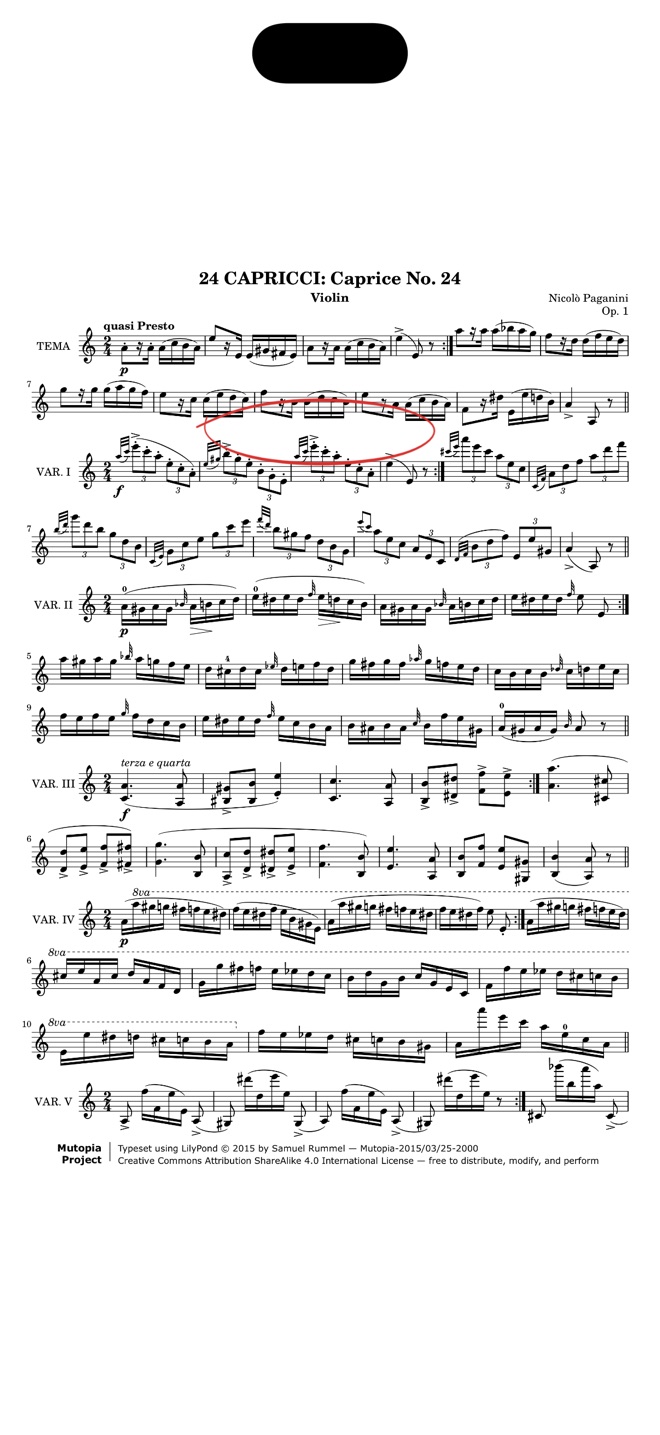
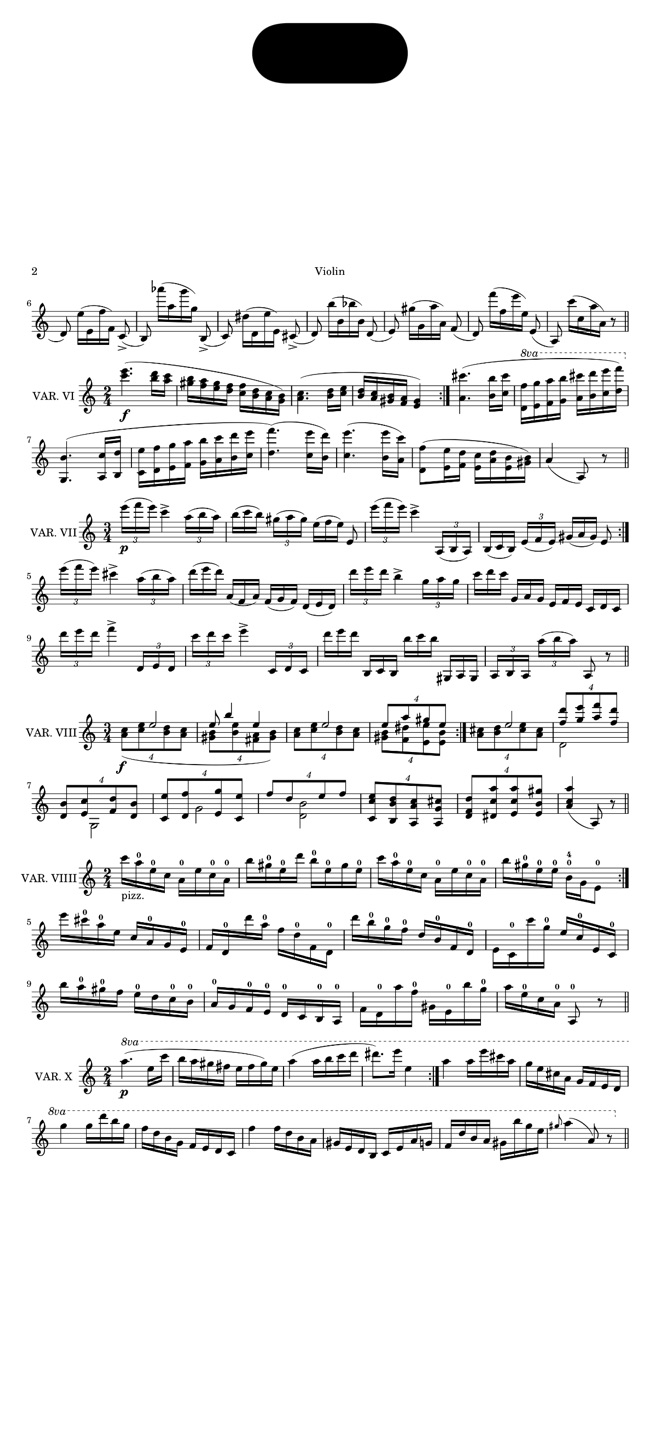
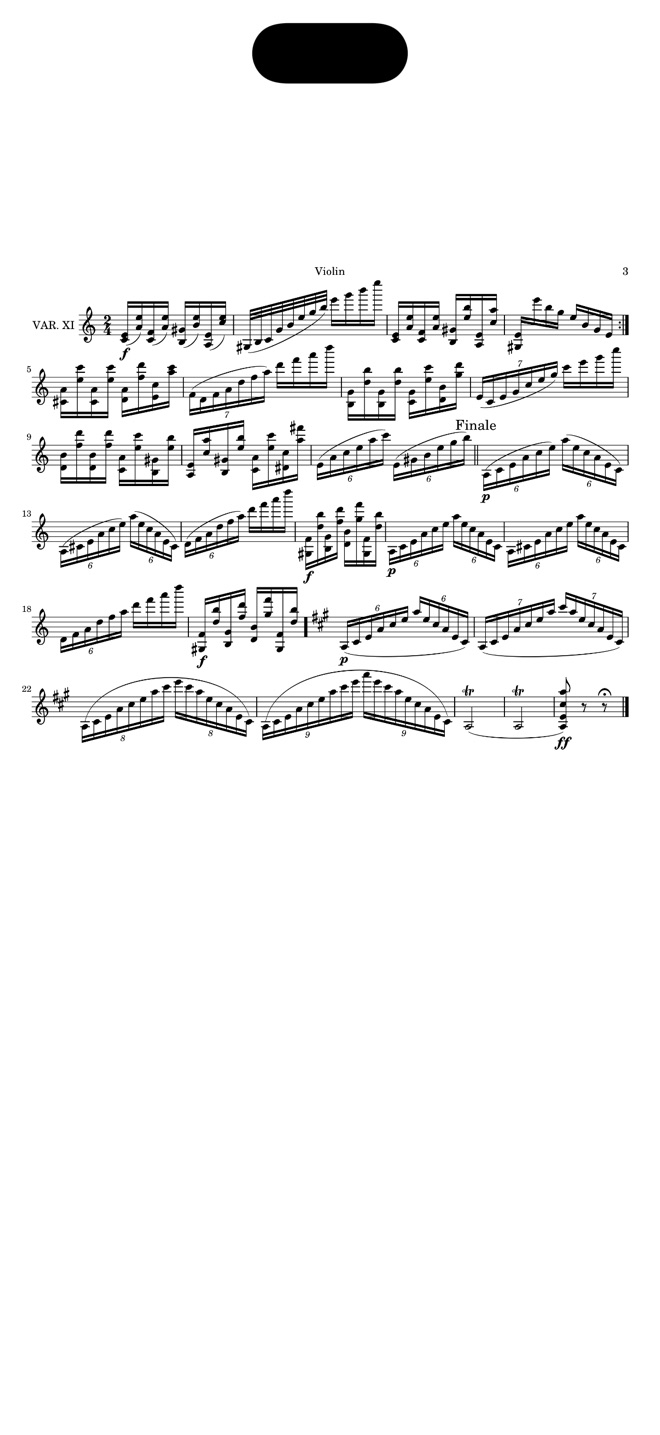
The whole manual
Three gestures. Then you play.
Most sheet music apps grow menus until you need a tutorial. Dotty Sheets has four tabs and one plus button. This is everything you need to know to read a score.
Tap an edge
The page turns. A swipe or a Bluetooth pedal does the same.
Tap the middle
Every control disappears. Only the music stays, and the screen stays awake.
Pull down
You are back in your library, on the score you just played.
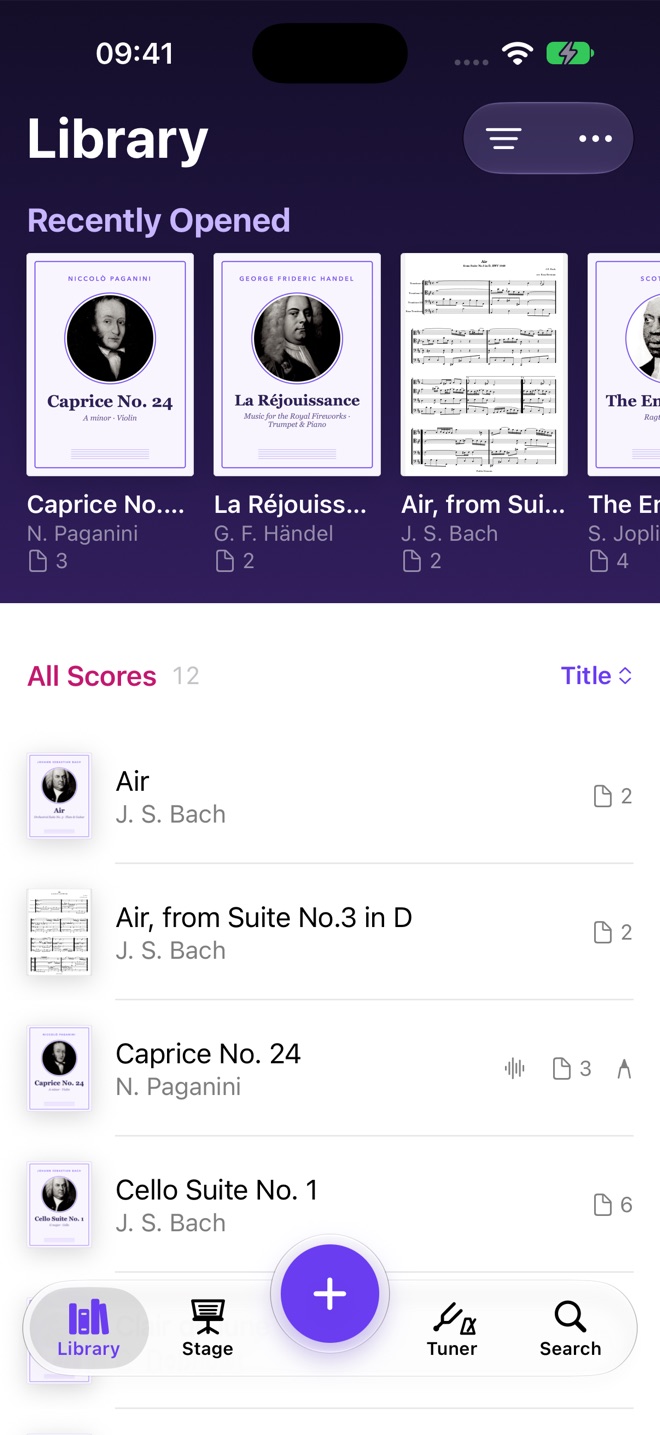
Library
Everything on your stand, in one place.
Paper, PDFs and photos all end up in the same tidy library. What you played last is always at the top.
- ScanPhotograph paper scores. Pages are straightened and rotated for you.
- ImportPDFs and images from Files, Photos, Mail or AirDrop.
- DownloadFree, newly engraved scores from the Mutopia Project.
- FindSearch by title, composer or your own tags.
Annotate
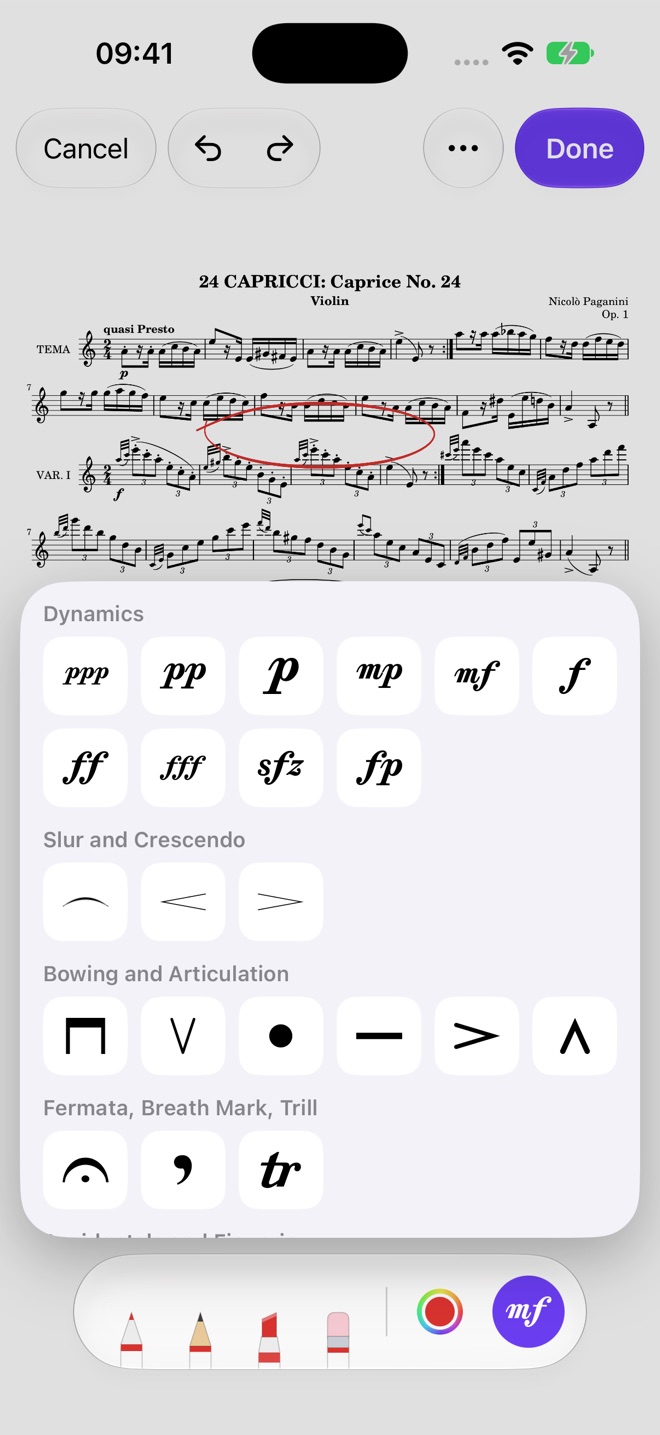
Mark it up like paper.
Circle the hard bar, pencil in a fingering, drop in a real mf. The tools sit in one bar and stay out of the notes.
- PensPen, pencil, highlighter and eraser. Each remembers its own color and width.
- SymbolsDynamics, bowings, fingerings, fermatas and breath marks, placed with a tap.
- LayersKeep your teacher's markings apart from your own.
- Apple PencilTouch the page and you are writing. No mode to switch on.
Stage
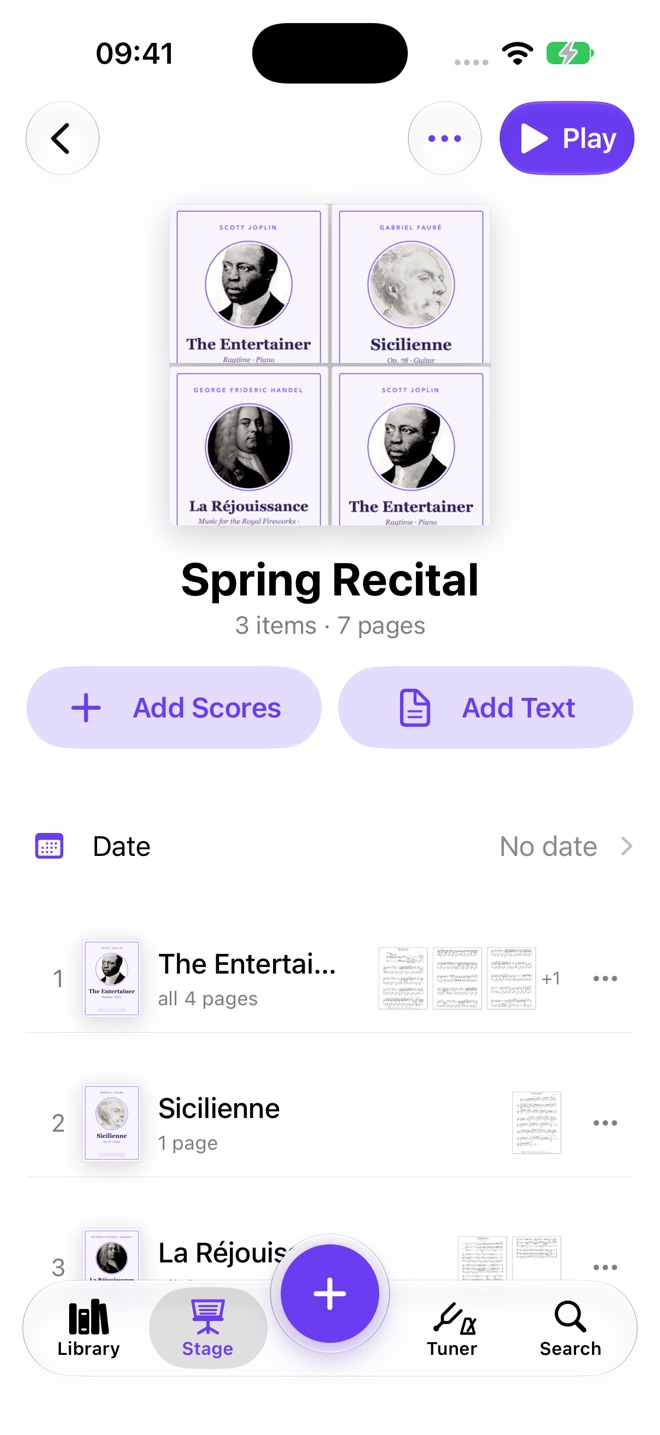
Walk on with one playlist.
Put tonight's pieces in order and play straight through. The last page of one score turns into the first page of the next.
- PlaylistsWhole scores or just the pages you need, in concert order.
- Text pagesIntermission, encore, a spoken introduction. They sit between the scores.
- RepeatsMark a repeat once. One tap jumps back and returns you.
- Half pagesTurn half a page at a time and always see the next line.
- Hands freeBluetooth page-turn pedals work as soon as they are paired.
Practice
Hear what you actually played.
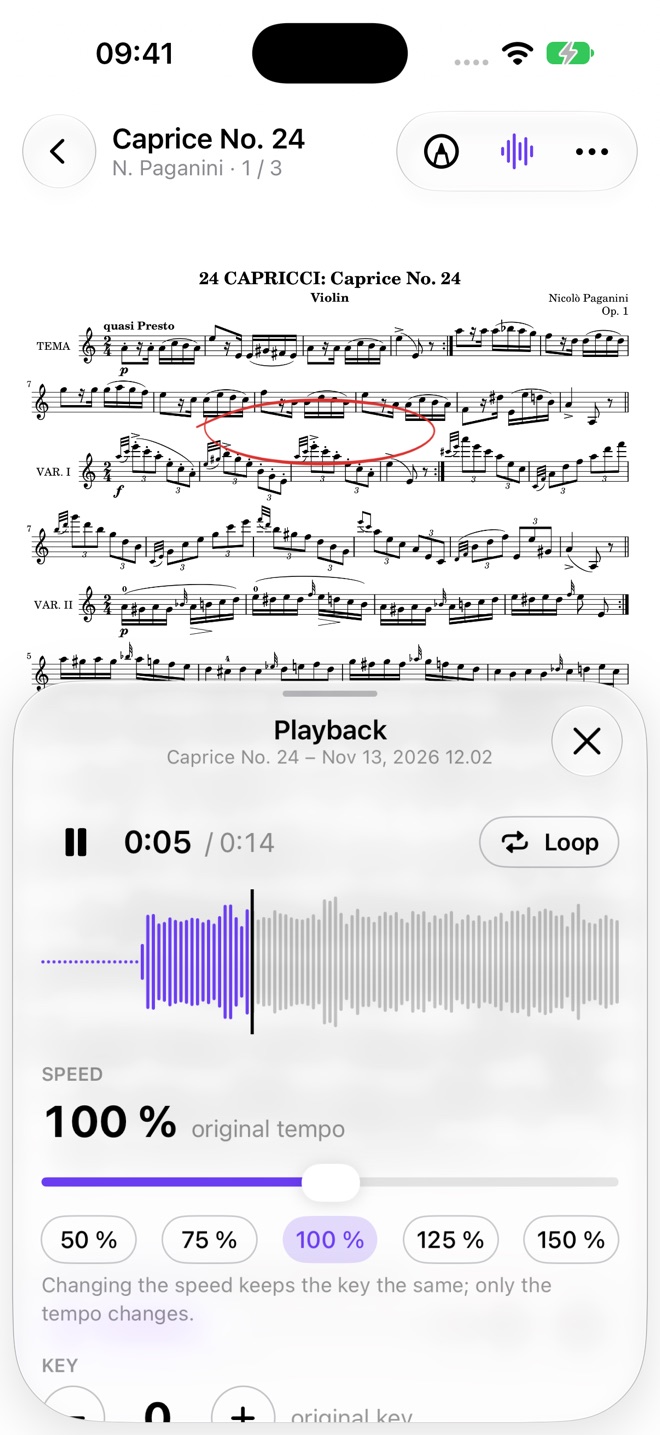
Record yourself with the score still in front of you, then listen back at the speed you can learn from.
- RecordOne tap starts it. Keep turning pages while it runs.
- Slow downFrom 50% to 150% without changing the pitch. Loop a passage.
- TransposeShift a recording by semitones to play along in your key.
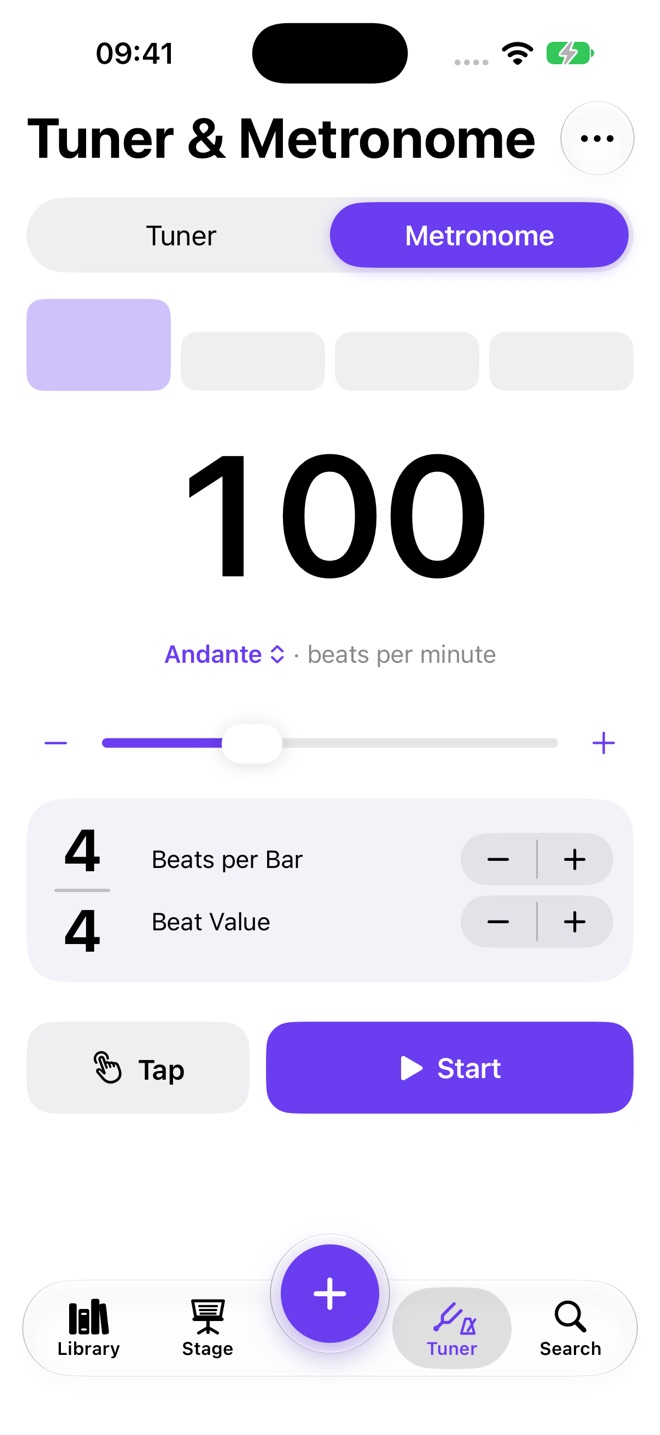
- TunerTunings for your instrument and reference tones to tune by ear.
- MetronomeAccents, time signatures, tap tempo. It keeps ticking while you read.
What we left out
The best feature is the missing ones.
No account
Nothing to sign up for. Open the app and add a score.
No ads
Nothing ever sits between you and the page.
No tracking
Your scores stay on your devices and in your own iCloud.
No tutorial
If a screen needs explaining, we redesign the screen.
Also included
The small things, done properly.
- Two pages side by side on iPad
- Crop margins and clean up scans
- Print parts or share them as PDF
- Cover art for every score
- Works without a connection
- Sample scores to try right away
- Split a long PDF into pieces
- Tags for programs and students
- English, Čeština, Deutsch, Español, Français, 日本語
Questions
Asked and answered.
What is Dotty Sheets?
Dotty Sheets is a sheet music reader app for iPhone and iPad. It keeps scanned paper scores, PDFs and photos in one library and shows them full screen for practice and performance.
Who is Dotty Sheets for?
Classical and orchestral musicians, students and teachers who play from sheet music: violinists, pianists, singers and anyone who wants their scores on a tablet or phone.
Do I need to read a manual to use Dotty Sheets?
No. Tap the edge of a page to turn it, tap the middle to hide the controls and pull down to return to your library. The app has four tabs and one plus button.
Can Dotty Sheets turn pages with a Bluetooth pedal?
Yes. Bluetooth page-turn pedals work as soon as they are paired in the device settings.
Can I annotate scores in Dotty Sheets?
Yes. Pen, pencil, highlighter and eraser, real music symbols such as dynamics, bowings, fingerings and fermatas, separate layers, and Apple Pencil support.
Does Dotty Sheets have setlists for concerts?
Yes. Playlists put scores or selected pages in concert order, with text pages such as intermission between them, and play straight through.
Does Dotty Sheets include a tuner and metronome?
Yes. A chromatic tuner with instrument tunings and reference tones, and a metronome with accents, time signatures and tap tempo.
Can I record myself and slow down the recording?
Yes. Record while reading the score, then play back from 50% to 150% speed without changing pitch, loop a passage or transpose by semitones.
Where are my scores stored?
On your device and, if you turn on iCloud Drive, in your own iCloud account. Dotty Sheets has no account, no ads and no tracking.
Which devices does Dotty Sheets support?
iPhone and iPad, including two pages side by side on iPad and the foldable iPhone Duo. The app is available in English, Czech, German, Spanish, French and Japanese.

Open it and play.
Dotty Sheets is on its way to the App Store for iPhone and iPad.
Coming soon to the App Store